
❋
Redesigning Application Profiles & Work Tools
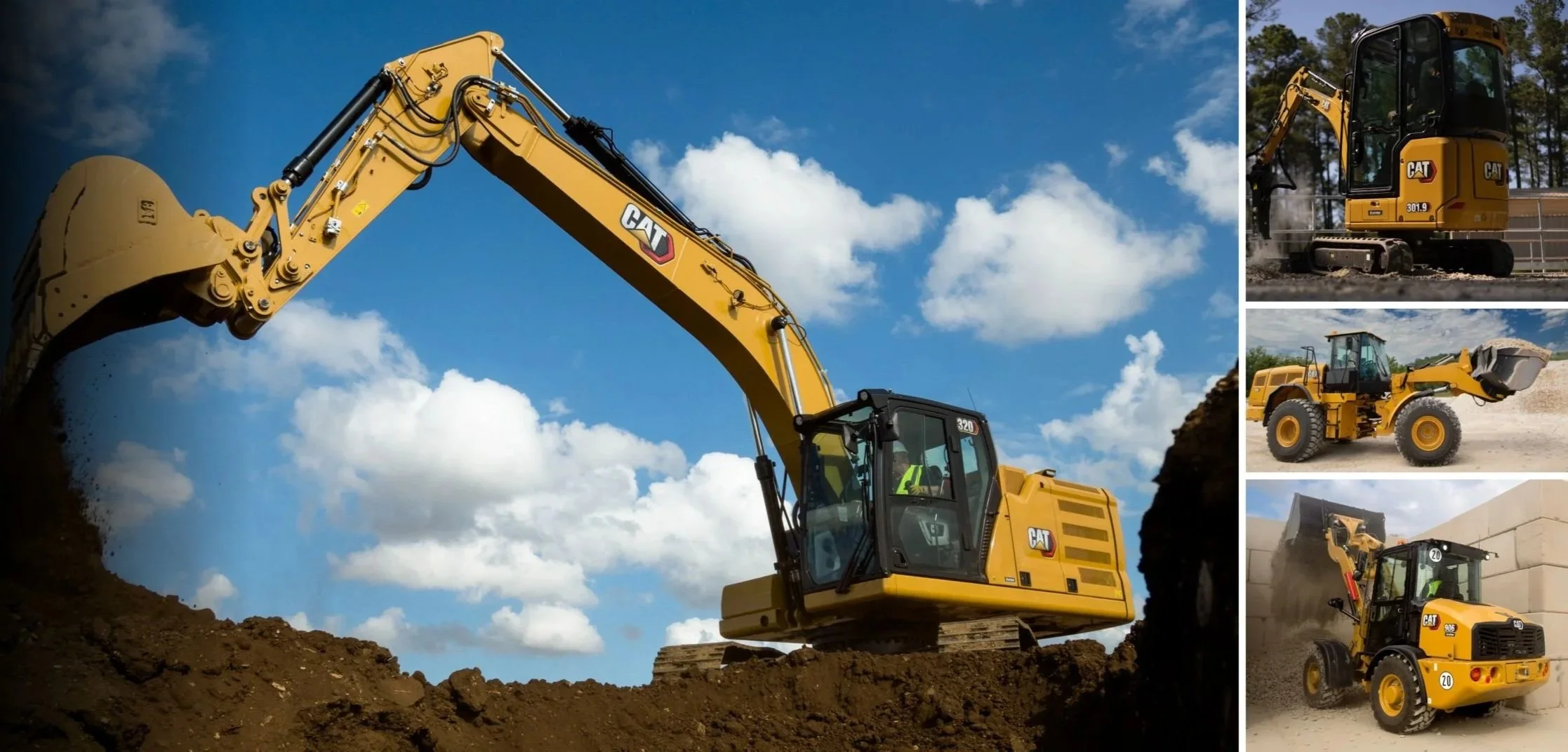
The Project
Over the course of our Caterpillar capstone collaboration at DePaul University, our team worked on rethinking Application Profiles & Work Tools for heavy machinery displays. The project focused on how operators configure tools, navigate machine settings, and build confidence in digital systems that directly affect real-world performance and safety.
❋ My Roles
UX Researcher
UX/UI Designer
Interviewer
Research Synthesizer
❋ Tools
Figma
Miro
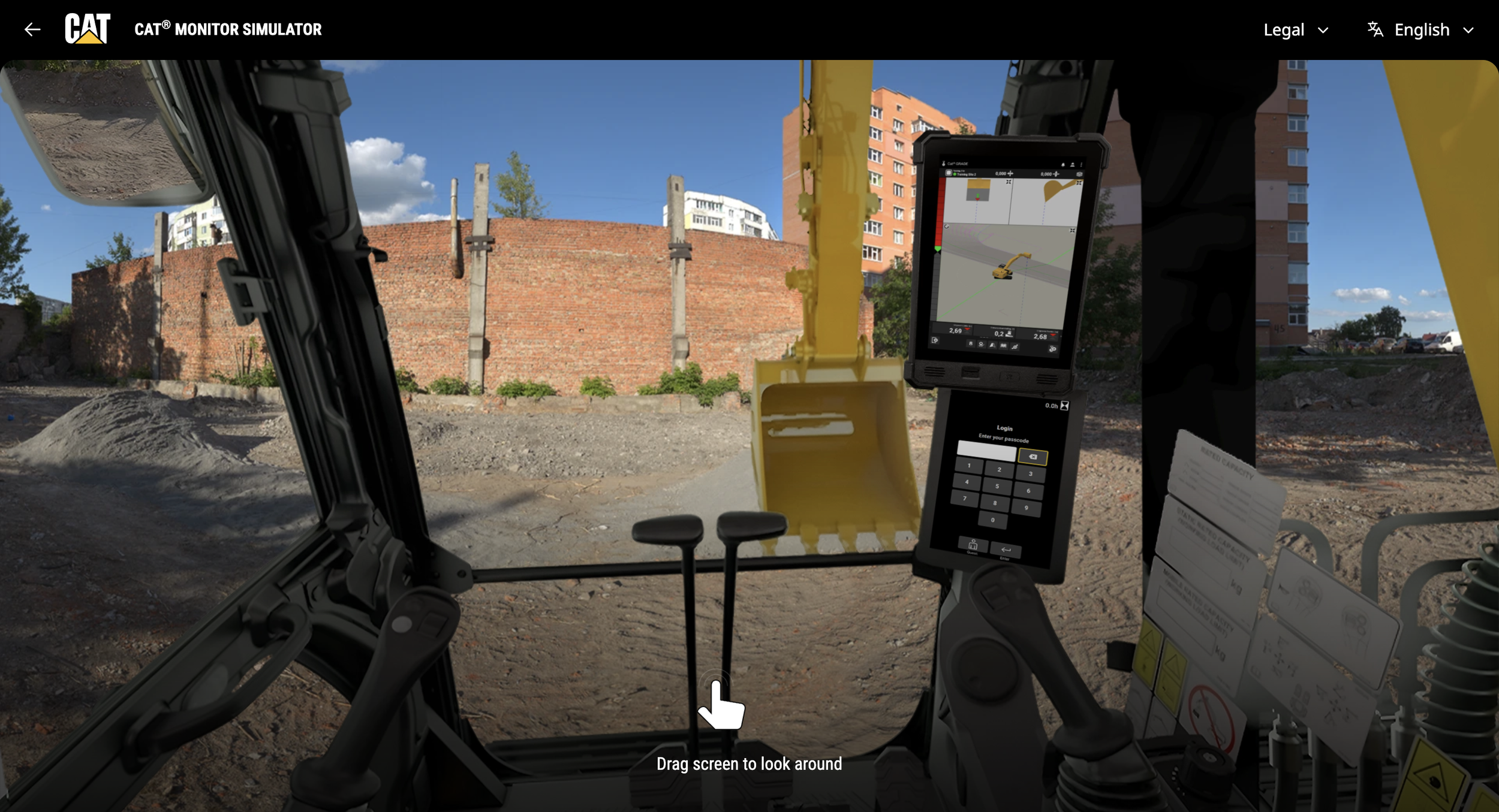
CAT Monitor Simulator
Adobe Photoshop
Teams
❋ Project Dates

❋ Organization
August 2025 – Jun 2026
Collaborating with Caterpillar on Machine Display UX
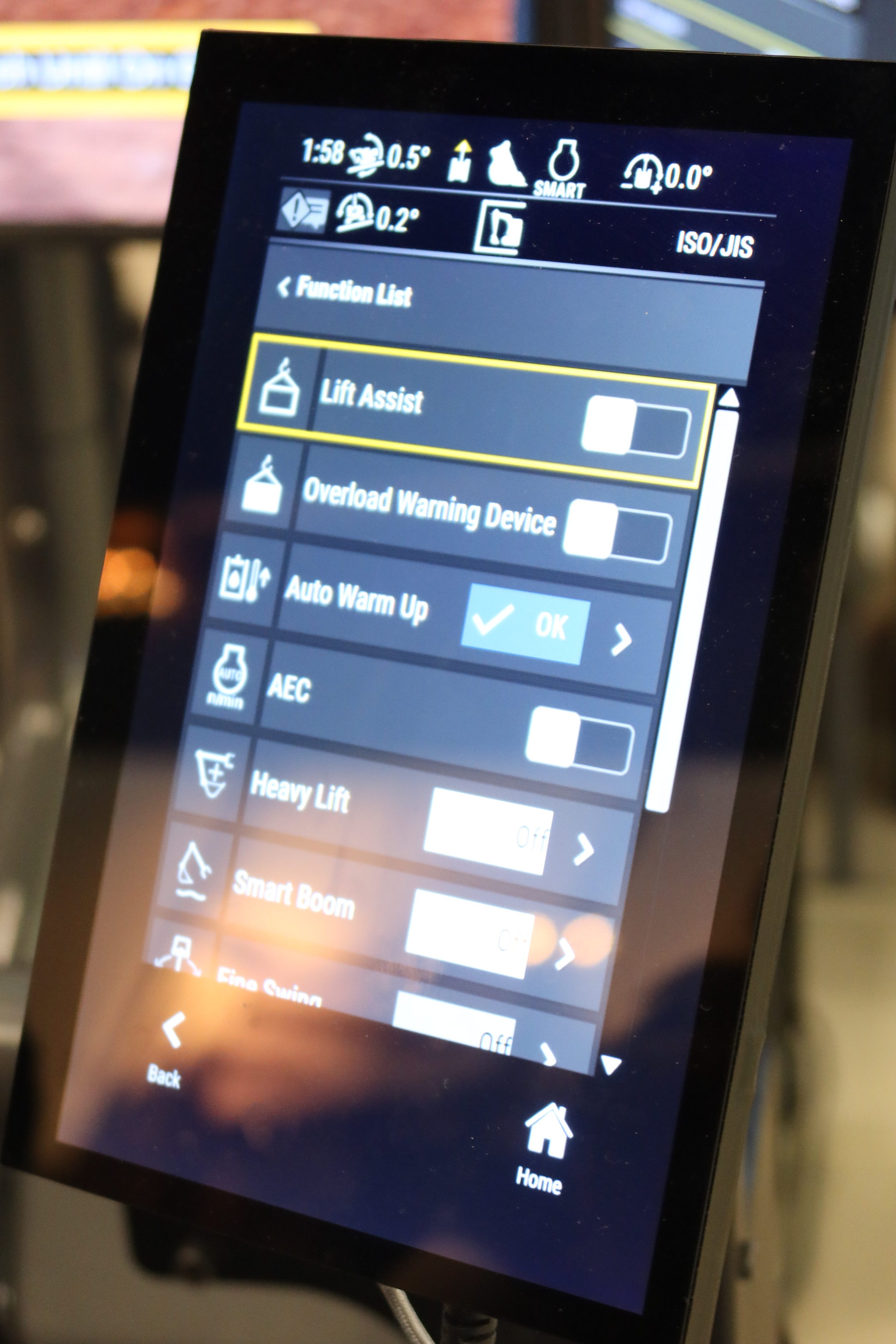
As part of a university-industry partnership, our team collaborated with Caterpillar to examine the usability of Application Profiles & Work Tools across machine displays. These systems help operators configure tools and machine behavior, but in practice they can feel intimidating, buried, and inconsistent.
Our challenge was not simply to modernize an interface. It was to understand how UX could better support operators working in high-stakes environments where speed, confidence, and safety matter.
Why This Problem Matters
For machine operators, digital interaction happens alongside physical work. Every decision must be quick, clear, and low-risk. When settings are hard to find, difficult to reverse, or inconsistent across machines, operators may avoid the interface entirely and rely instead on memory, workarounds, or physical controls.
That creates friction not only for productivity, but also for trust.
“How might we help machine operators feel more confident when configuring their machines, while improving efficiency and consistency across workflows?”
- Tom Beccue,
Caterpillar Inc. UI/UX & Lean Innovation Manager
Day OneOur Approach and Process
Because heavy equipment was a new and complex area for us, we focused on learning first before designing. We used stakeholder input, operator interviews, competitive research, and onsite observation to understand real workflows and make design choices based on real user needs, not assumptions.
We began with a kickoff meeting, interface review, and competitive analysis of brands such as John Deere and Komatsu. This helped us understand how other machine ecosystems approached visibility, structure, and workflow guidance.
01 — DiscoverWe conducted operator interviews, affinity mapping, and research synthesis to identify recurring pain points around learning, interaction consistency, and fear of making mistakes.
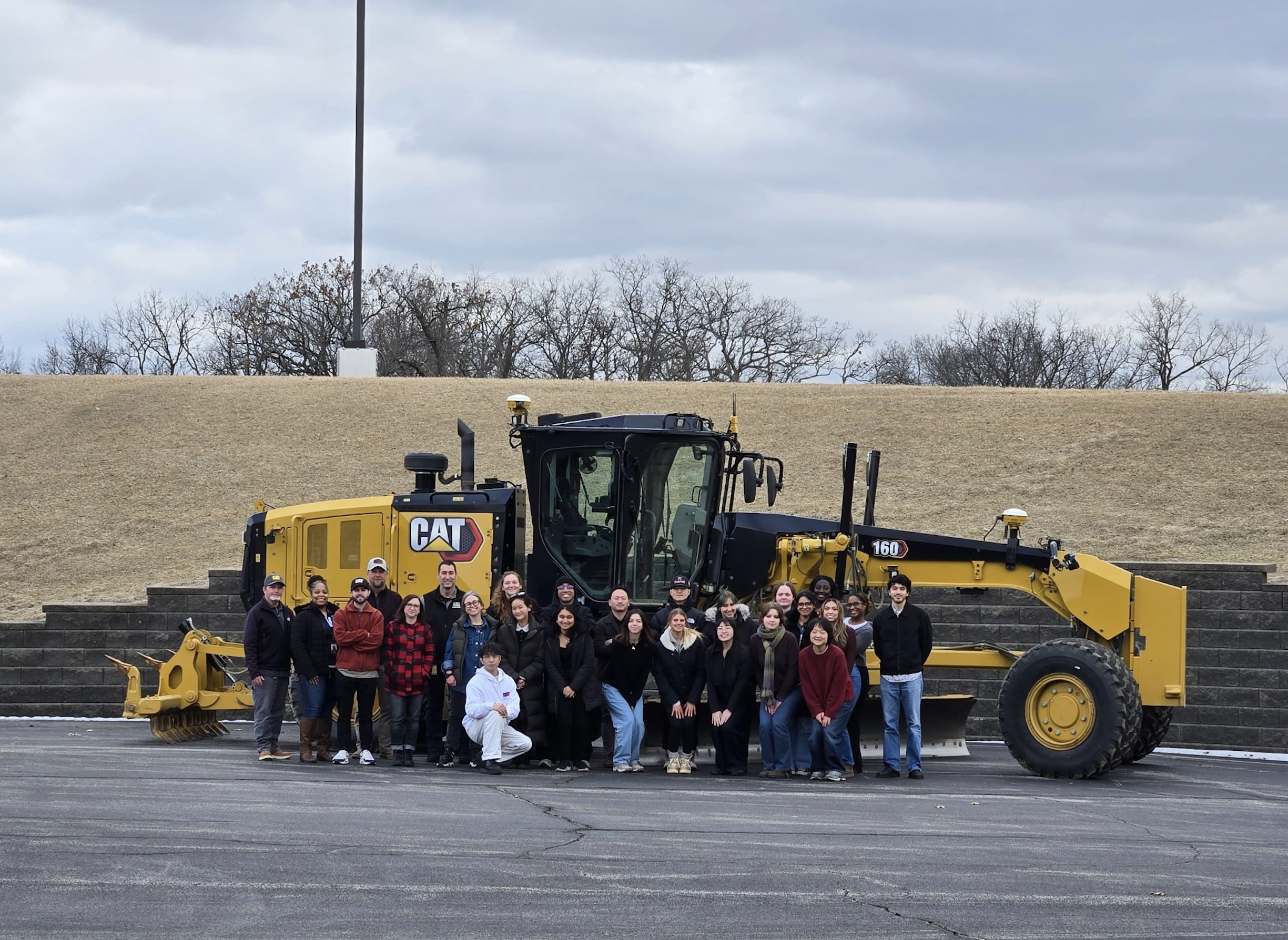
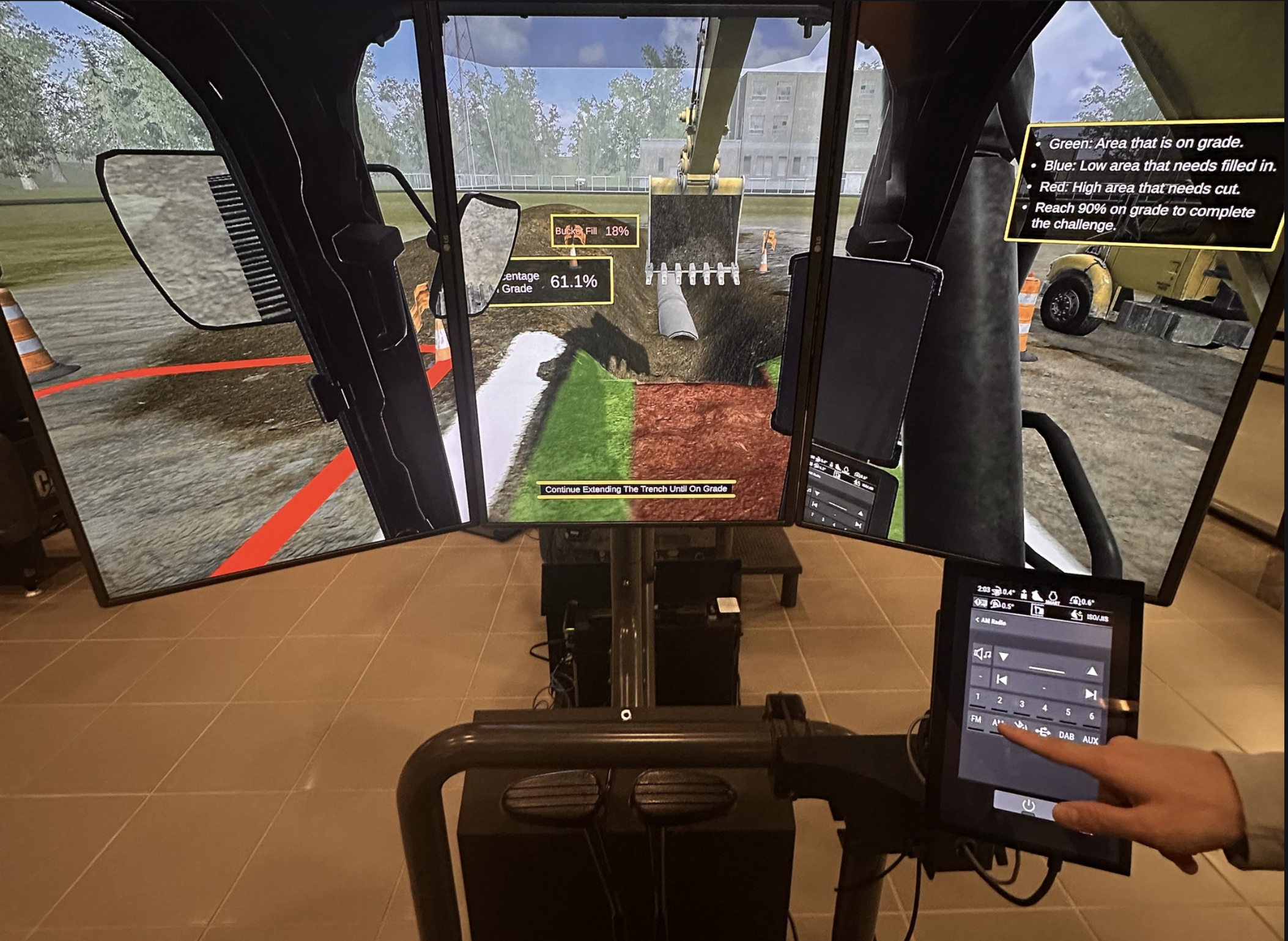
02 — Define03 — Investigate in ContextTo ground our findings in real-world behavior, we visited Caterpillar’s Edwards, Illinois facility. There, we observed machine simulations, met with mentors, and spoke directly with operators about their habits, frustrations, and mental models.
From our research, we translated insights into design opportunities and explored two concept directions. At the end of this phase, we selected one concept to move forward into design.
04 — Develop Design DirectionVisiting Caterpillar
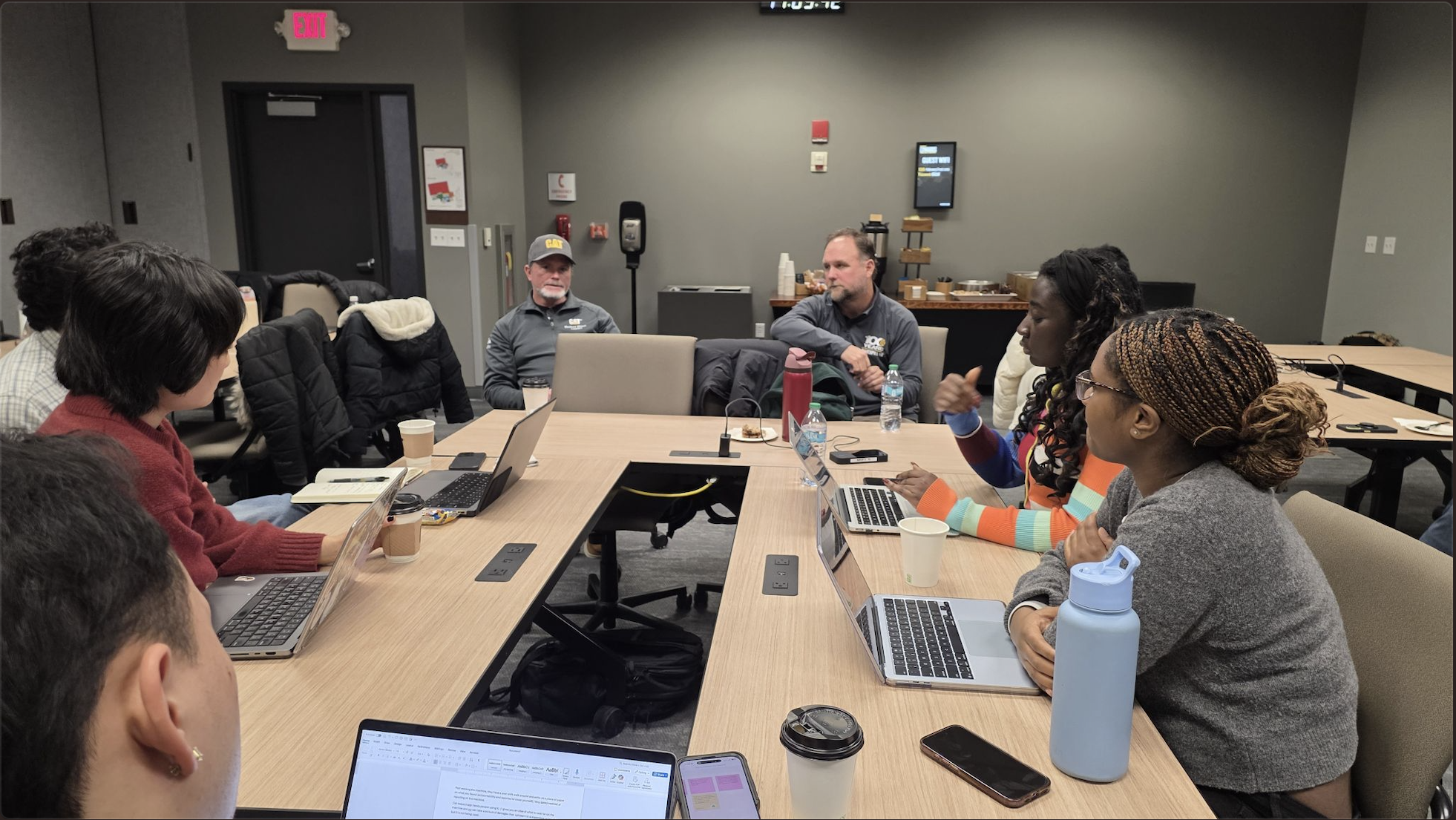
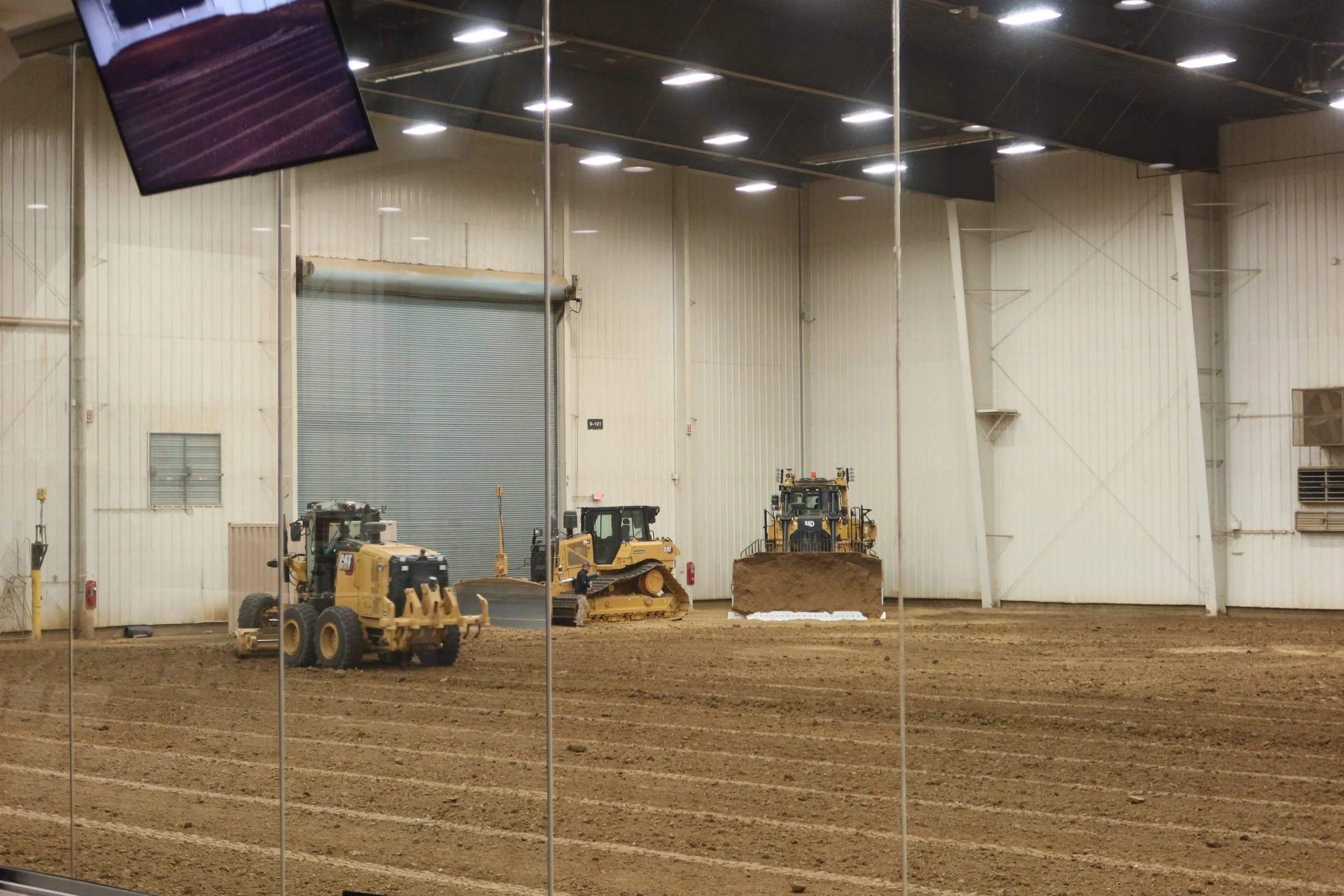
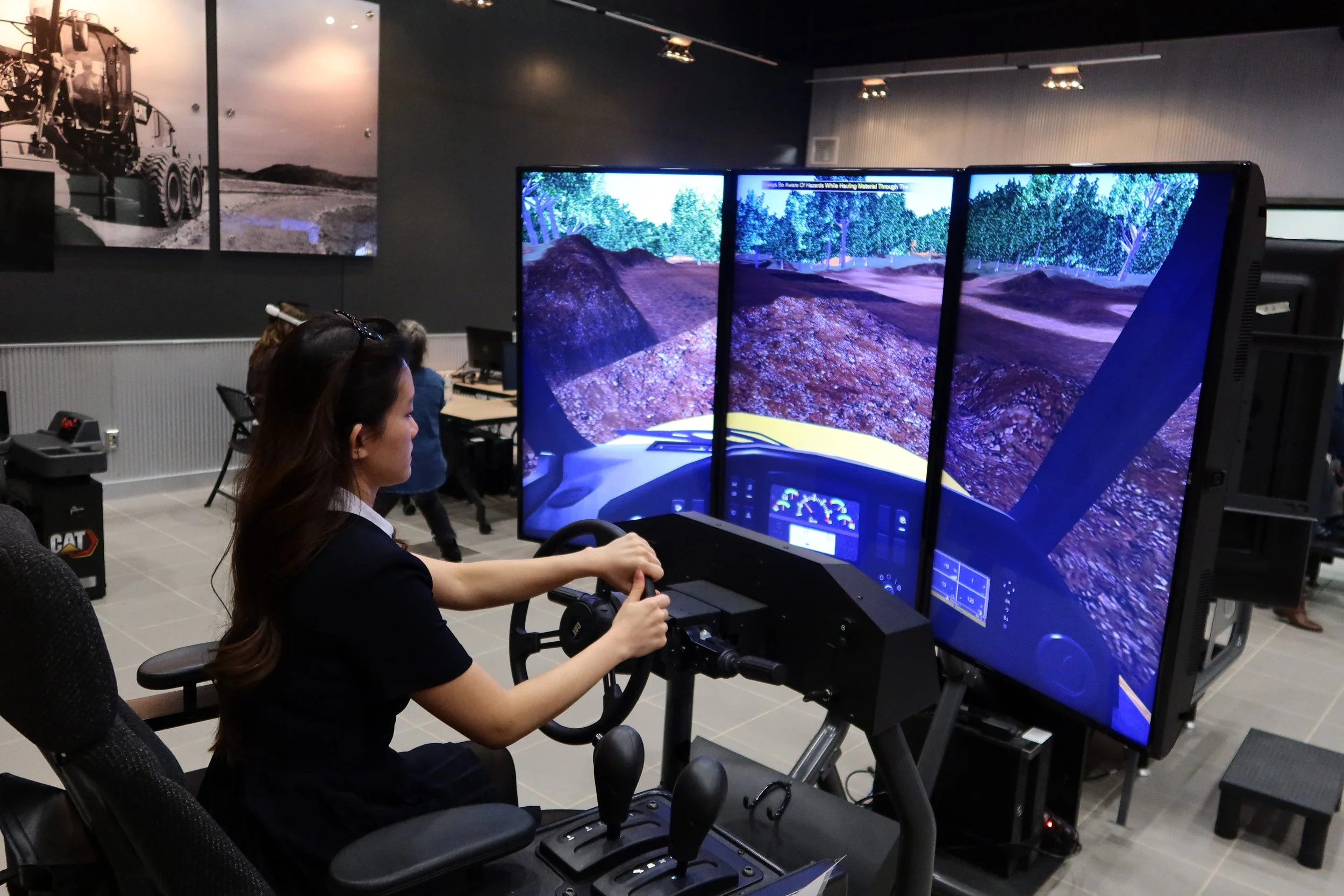
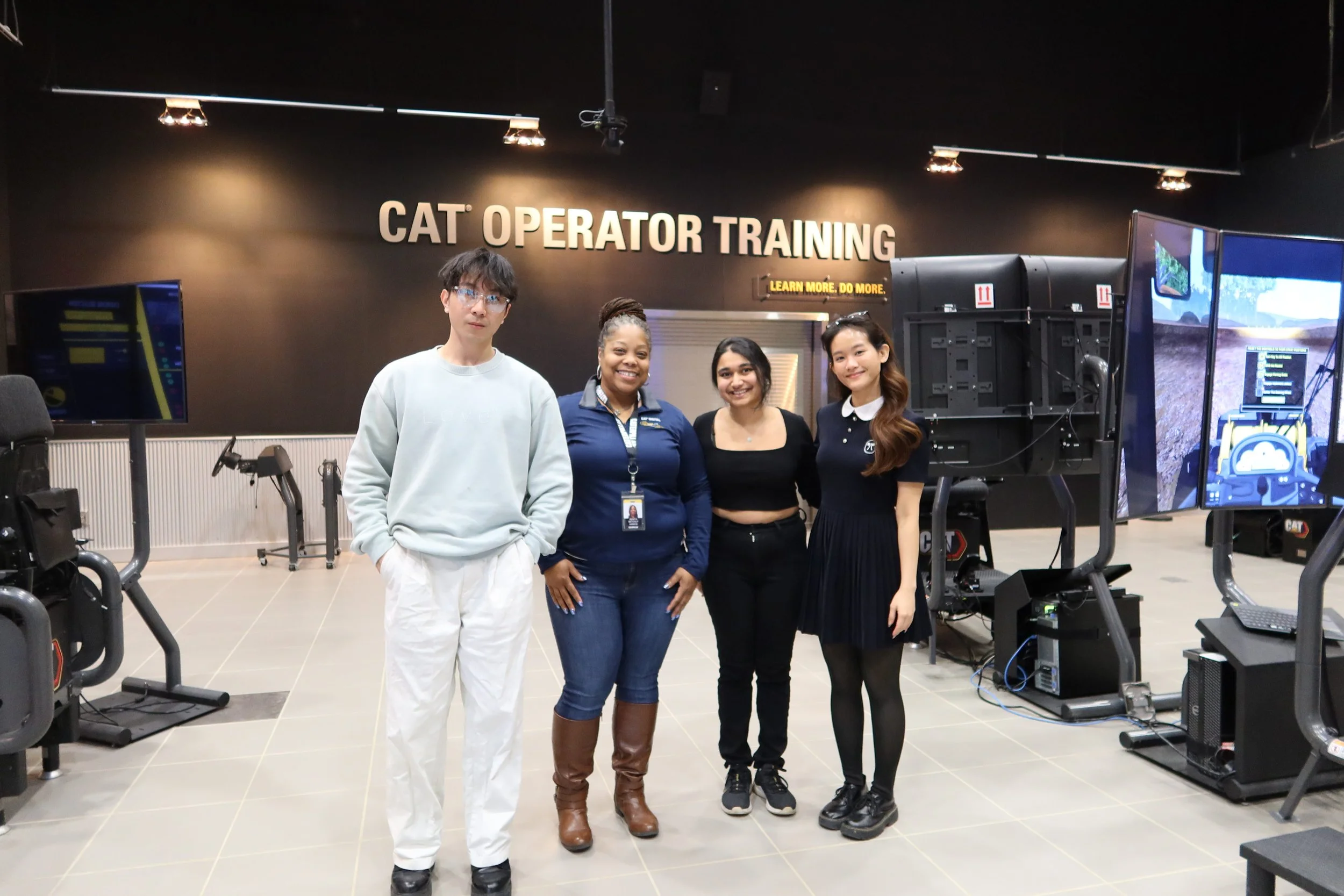
Interacted with the systems in a more realistic operational context
Met with our Caterpillar mentor
Observed machine simulations
Interviewed machine operators in person
What We Learned from Operators
Training is informal
Many operators receive little to no formal training. Instead, they learn by:
watching others
trial and error
occasionally using YouTube or peer tips
This means habits, including ineffective ones, are often passed down rather than intentionally taught.
Physical controls feel safer than digital ones
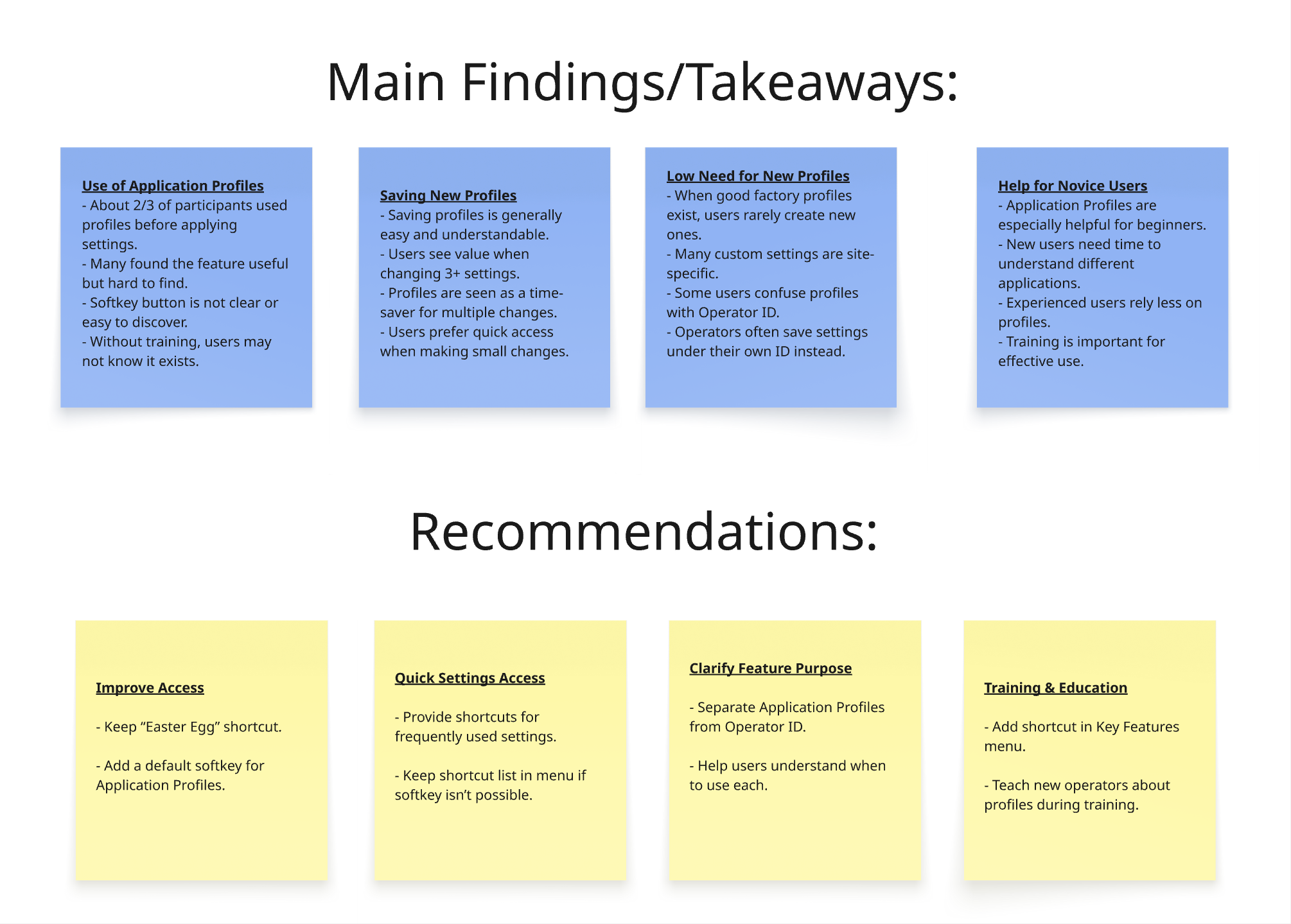
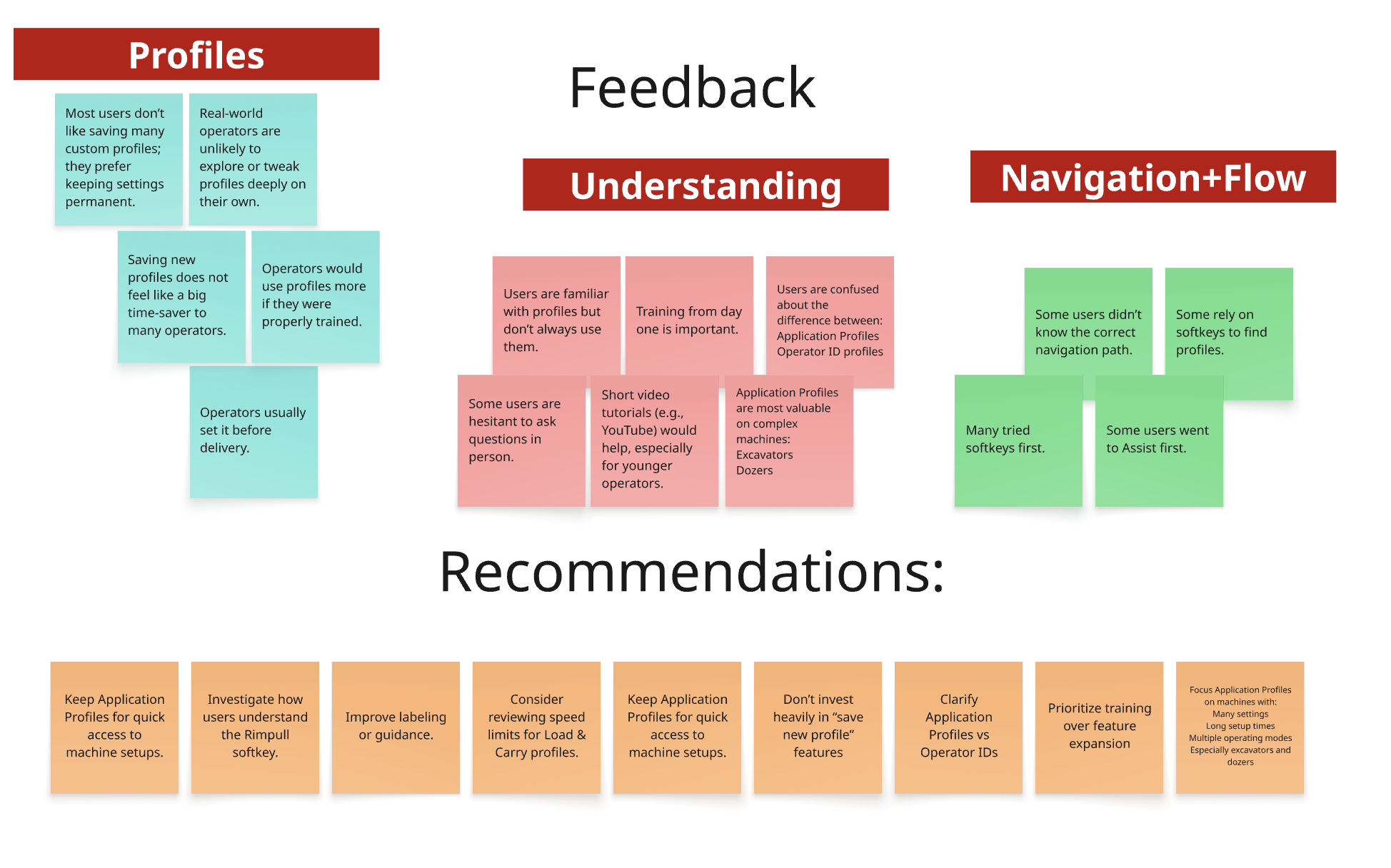
Operators showed a strong preference for physical buttons over touchscreens. Displays were described as confusing, easy to get lost in, and often avoided altogether.
Common interface patterns were not always intuitive
Icons and navigation patterns that may feel standard in consumer apps did not consistently translate well in this context. Some operators misunderstood common menu patterns, which made navigation feel even less reliable.
Core Research Insights
01 — Configuration feels risky
Operators often lacked a safe way to explore settings. We found issues such as:
profiles buried in settings
no visible reset mechanism
no preview before applying changes
machine restart used as an informal recovery strategy
This showed us that recovery is not a nice-to-have — it is a trust-building feature.

Day ThreeLook Forward & Wrap Up
We explore the possibilities beyond this moment, making space for growth, action, and forward momentum. As we end our time together, we honor the experience, the growth, and the connections made along the way.
Check-In9:00 – 9:30am
Group Activity11:00am
Lunch Break12:30pm
Creative Workshop2:00pm
Dinner6:30pm